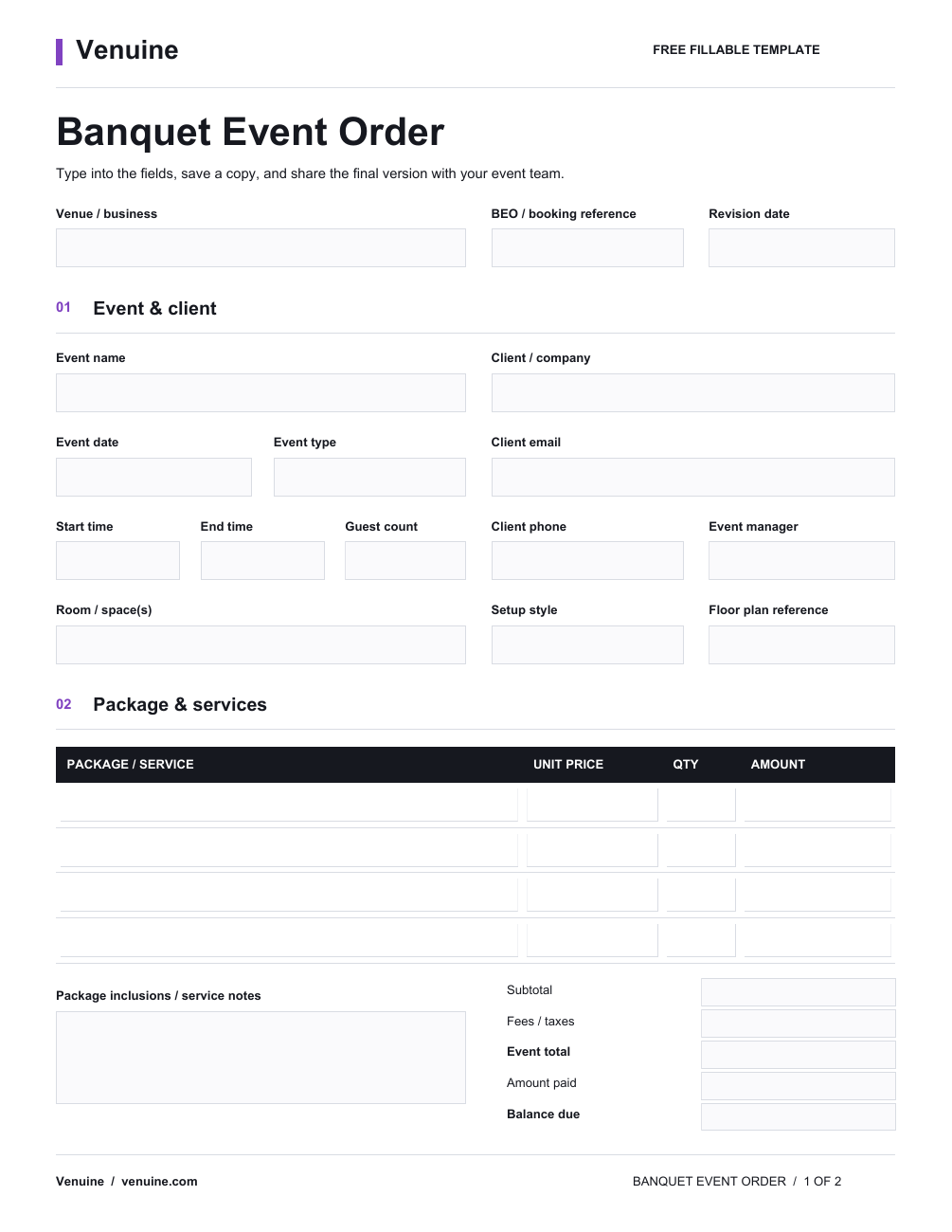
How to use the BEO template
- Start from the confirmed booking. Check the date, spaces, guest estimate, services, and approved pricing against the proposal or agreement.
- Fill in the people and schedule. Add the client and planner contacts, venue owner, setup window, event timeline, and vendor access details.
- Write instructions the delivery team can act on. List the room setup, equipment, service notes, and any dietary or accessibility requests that the client has confirmed.
- Mark open items clearly. Give each unanswered question an owner and deadline. Keep assumptions separate from confirmed requirements.
- Control changes and sharing. Add a revision date when details change, identify the current approved version, and send updates to the people responsible for delivery.
For a wedding, the brief may need separate ceremony, reception, and room-turnover timelines. A corporate event may require load-in, presentation, break, and production notes. Adapt the form to the event rather than treating every booking as identical.
PDF and CSV: choose the format that fits
The fillable PDF is a fixed two-page form with 61 fields. Open it in a PDF reader that supports form entry, complete the relevant fields, review the details, and save a copy for the event. The form does not calculate totals automatically, so check prices and sums using your usual process.
The CSV worksheet opens in spreadsheet software and provides a simple starting point for teams that want to rename, reorder, or add columns. CSV files do not preserve workbook styling, formulas, dropdowns, or automated updates; add and test any calculations your team needs.
Neither file synchronizes booking changes with a live client record. If several people update event details, assign one person to maintain the approved copy and communicate revisions.
When a template is no longer enough
A downloadable banquet event order template works well for a manual handoff. As event volume grows, teams may need to connect the inquiry, proposal, contract, payment status, floor plan, and event-day tasks so staff can find the current details without reconciling separate files.
Venuine provides venue management software for tracking booking workflows. Its exact BEO output and plan capabilities should be checked against your team’s current fields and process. Explore the BEO software workflow and bring a sample BEO to a demo to confirm the output you need.
Common BEO questions
What does BEO stand for?
BEO usually stands for banquet event order. It is the event-specific operations brief used to coordinate a confirmed function.
Is a BEO the same as an event proposal?
No. A proposal presents the offer and terms to a client. A BEO focuses on the details the team needs to deliver the confirmed event. The documents may share information, but they serve different purposes.
Can I edit the BEO template?
You can fill in the PDF fields or adapt the CSV columns. The PDF’s layout is fixed; a spreadsheet lets you change the columns, but it does not include automatic calculations or booking synchronization.
Is the BEO template free?
Yes. The PDF and CSV downloads are available without a signup.
Download the fillable BEO PDF or the CSV worksheet. For related workflows, see venue floor plan software and venue management software.